BleachBit Adds Interactive Text Interface: Clean Linux Systems Without a Desktop
Introduction
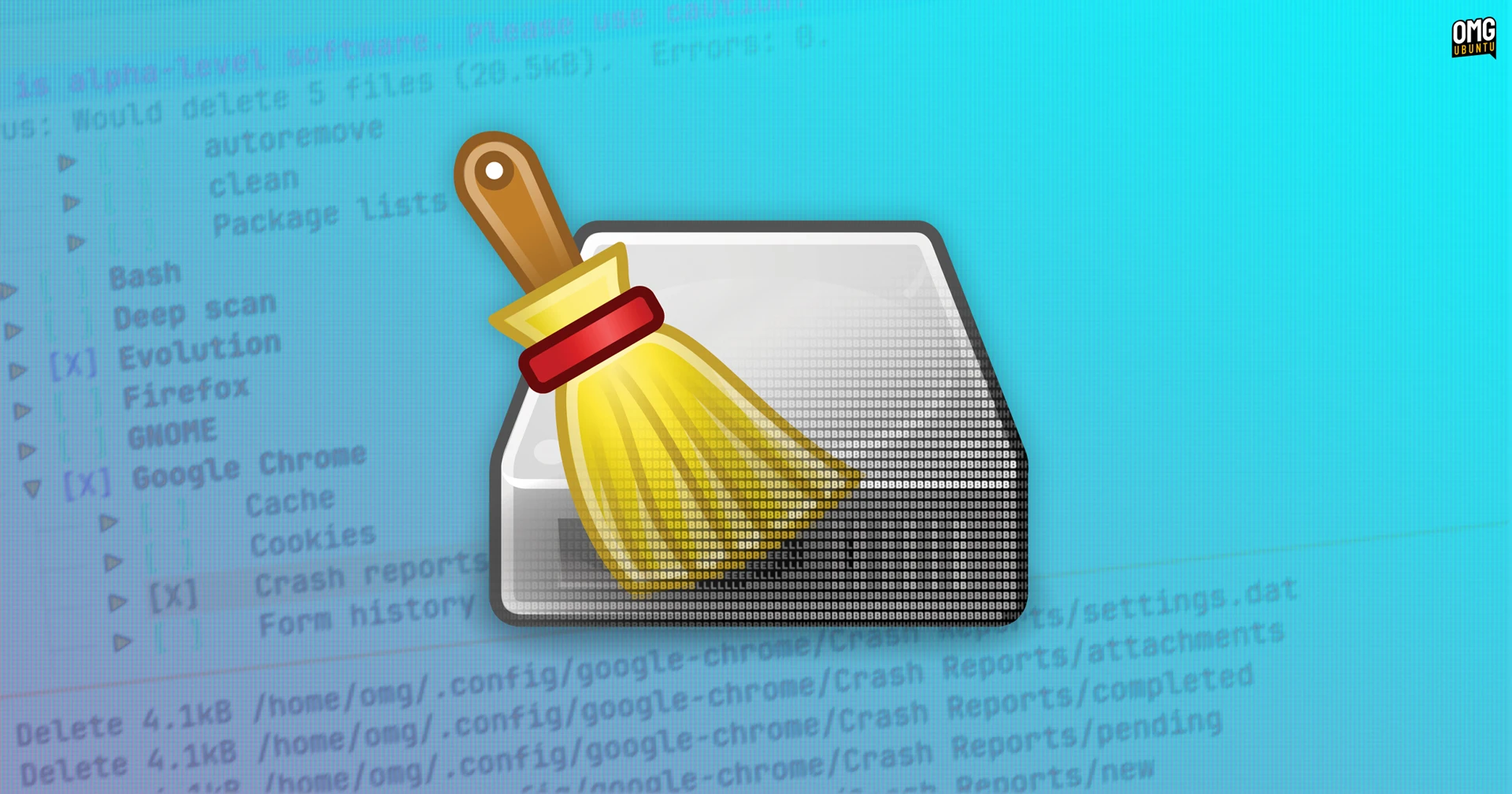
The popular open-source system cleaning tool BleachBit has taken a significant step forward by introducing a Text-Based User Interface (TUI), offering an interactive alternative to its traditional graphical interface. While BleachBit has long provided a command-line interface (CLI) for non-interactive scripting, the new TUI brings keyboard-driven navigation, preview capabilities, and cleaning actions to environments where a full desktop environment is unavailable or undesirable. Currently in alpha, this development opens up cleaning possibilities for headless servers, lightweight desktops, and systems where GTK dependencies are a burden.

What Is BleachBit?
BleachBit is a free, open-source utility designed to free up disk space, protect privacy, and optimize system performance. It works by deleting temporary files, browser caches, logs, cookies, and other unnecessary data across Linux and Windows systems. With over 90 cleaning presets for popular applications such as Firefox, Chrome, Adobe Flash, and system components, it has become a go-to tool for users looking to declutter their machines. Until now, users could either launch the graphical GTK-based interface for interactive cleaning or use the CLI for automated tasks. The new TUI bridges the gap between these two modes.
The New TUI Explained
How It Works
The TUI runs directly in a terminal, providing a full-screen interface reminiscent of classic text-based applications. Navigation is primarily keyboard-driven, using arrow keys, Tab, and Enter to move through lists of cleaning modules. Mouse support is limited but available. Users can select items, preview the files that would be deleted, and then execute cleaning—all without leaving the terminal. Importantly, the TUI shares the same backend as the GUI, meaning it uses the same cleaning definitions and logic. This ensures consistency across all interfaces.
Key Features
- Interactive keyboard navigation – fully control the cleaning process without a mouse.
- Preview functionality – see exactly which files will be removed before acting.
- Same cleaning engine – identical results to the GUI or CLI.
- Low overhead – no need for GTK or X11, making it ideal for slim environments.
- Remote session friendly – works over SSH, tmux, or screen.
Use Cases
Headless Servers
One of the primary motivations behind the TUI is to support headless Linux servers managed remotely. In such environments, a desktop environment is rarely installed, and administrators rely on CLI tools. While the CLI works well for cron jobs and scripts, the TUI gives admins an interactive way to selectively clean temporary files, logs, and caches—without needing to memorize command flags or manually parse file lists. This is especially valuable for systems that accumulate cruft over time and require occasional manual oversight.
Lightweight Desktops and Embedded Systems
Another key audience is users running lightweight desktop environments (such as LXQt, Xfce, or even a tiling window manager) who prefer to avoid installing heavy GTK dependencies just to run a cleaning tool. The TUI leverages only terminal libraries, keeping the system lean. Similarly, on Raspberry Pi or other ARM-based devices with limited resources, the TUI helps maintain performance without graphical overhead.
Current Status and Future
As of this writing, the TUI is in alpha stage, meaning it's functional but may contain bugs or incomplete features. BleachBit developers are actively seeking feedback from the community to polish the interface, improve keyboard navigation, and expand limited mouse support. Once stable, it could become the default interface for terminal-centric users. The TUI is available alongside the existing GUI and CLI, so users can choose the method that fits their workflow.
Comparison with CLI and GUI
The traditional GUI offers the most visual feedback, with windows, buttons, and file trees, but requires a desktop environment and GTK libraries. The CLI is scriptable and efficient but non-interactive—great for automation but less suited for ad-hoc, user-driven cleaning. The TUI fills the gap: it is interactive like the GUI but runs in any terminal, making it accessible over SSH and on minimal systems. For users who want the best of both worlds, the TUI is a welcome addition.
Getting Started
To try the BleachBit TUI, you'll need the latest alpha release. On most Linux distributions, you can install BleachBit from the official repository or compile from source. Once installed, run bleachbit --tui to launch the text interface. Navigate using arrow keys, select cleaning modules with Space, preview with p, and clean with c. For detailed instructions, refer to the project documentation.
Conclusion
BleachBit's new TUI is a thoughtful expansion that caters to server administrators, minimalists, and anyone who prefers keyboard-driven tools. By providing an interactive, low-overhead cleaning experience, it extends the utility of an already powerful application. As development progresses, this interface may well become a staple for terminal enthusiasts everywhere.