How NotebookLM Turned My Chaotic Bookmarks Into a Research Powerhouse
If you're like me, your bookmarks folder is a digital dumpster fire — full of random links from late-night research sessions, half-read articles, and tabs you swore you'd organize later. I never bothered to clean mine up because, during research, the last thing I care about is neatness. But I discovered a game-changing trick: I fed my entire bookmark folder into NotebookLM, Google's AI-powered notebook tool. What I got back wasn't just a summary — it became a genuine research partner that connects the dots I missed. Here's how it works and why you should try it.
1. What exactly is NotebookLM?
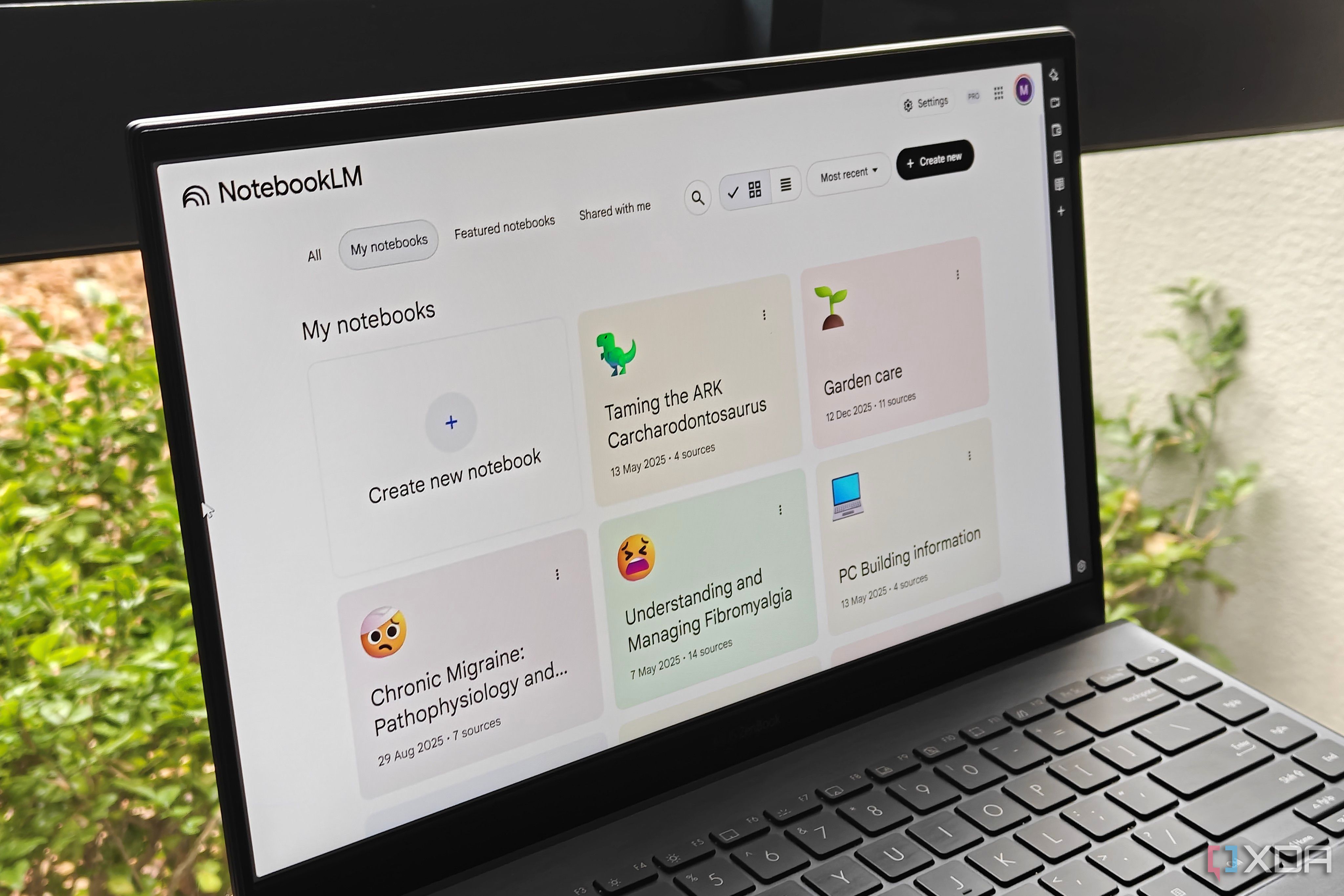
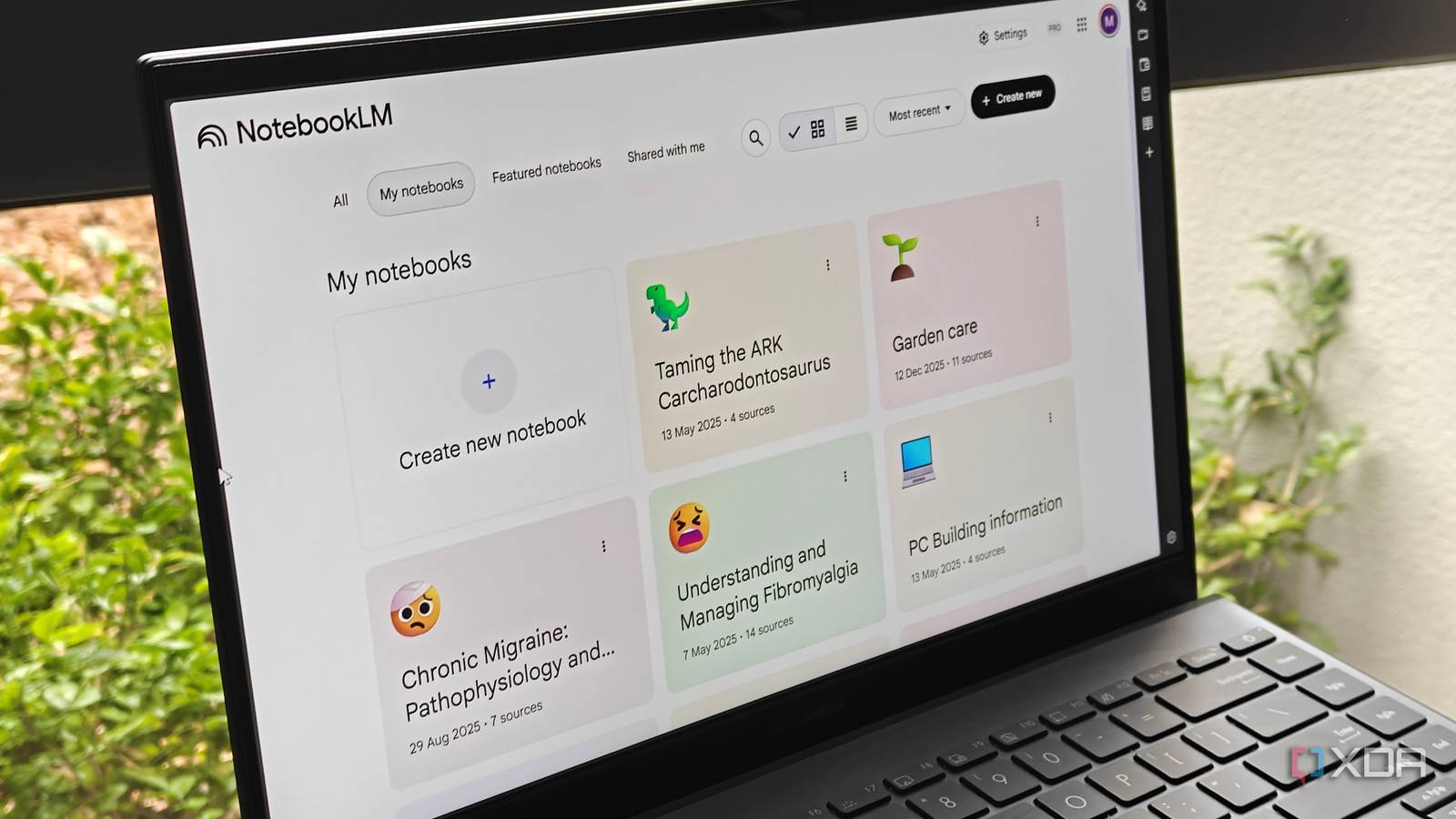
NotebookLM is an AI research assistant from Google that lets you upload your own documents, notes, or sources. It then uses large language models to help you analyze, summarize, and connect information. Unlike generic chatbots, NotebookLM is grounded in your uploaded content — it only answers based on what you give it. That means no hallucinations about unrelated topics. You can ask it questions, generate summaries, or have it surface connections between sources. Think of it as a personalized research partner who never forgets what you've saved. I used it with my messy bookmarks folder, and it turned a chaotic collection of links into an organized, actionable knowledge base.
2. Why did you use your messy bookmarks instead of cleaning them?
Because cleaning bookmarks is a pain. When I research something like Obsidian, I quickly bookmark feature pages, blog posts, and tutorials without sorting them. Later, I struggle to recall why I saved each one or how they relate. Wiping the folder felt wasteful — I had already done the work of collecting resources. So instead of spending hours deleting or renaming, I uploaded the entire folder to NotebookLM. It instantly parsed all those URLs (assuming they are web pages that can be downloaded) and let me ask questions like, 'What are the common themes across these Obsidian bookmarks?' It saved me time and gave me insights I couldn't see just by skimming the list.
3. How is NotebookLM different from a simple bookmark organizer?
A bookmark organizer just sorts links into folders — it doesn't understand the content. NotebookLM reads the actual text of each bookmark. When I uploaded my folder, it analyzed every article and blog post. Then I could ask, 'Find all bookmarks that discuss plugins for Obsidian' or 'Summarize the key features mentioned in these links.' It didn't just list URLs; it synthesized information. For example, it highlighted that several bookmarks mentioned the same 'graph view' feature, which I hadn't noticed before. It becomes a research partner because it actively processes your collected knowledge, not just stores it. You can even ask it to compare ideas across bookmarks and identify contradictions or gaps.
4. What was your first impression after uploading the bookmarks?
Honestly, I expected a mess — maybe a long list of summaries with errors. Instead, NotebookLM created a coherent overview. It grouped related topics under headings like 'Note-taking strategies' and 'Obsidian plugins.' I could click into each group and see specific quotes from my bookmarks. It felt like I had hired a research assistant who spent the night reading everything I had saved and then built me a map. The best part? It didn't make up anything. Every answer was cited back to the original bookmark URL. That trust factor is huge. I went from dreading my bookmarks folder to actually using it as a daily research resource.
5. How does NotebookLM help connect ideas you didn't see?
When you're deep in research, connections can bleed together. NotebookLM surfaces cross-references by analyzing the language across multiple documents. For instance, I had bookmarks about Obsidian, Notion, and Roam Research. The AI picked up that all three were described as 'graph-based note-taking tools' — even though each article used different phrasing. It then created a 'related concepts' list linking those bookmarks. Without NotebookLM, I would have read them separately and missed that unifying idea. You can also ask it to 'find relationships' and it will show you which bookmarks share keywords, similar examples, or opposing arguments. It's like having a second brain that actually talks back.
6. Should you try this with your own bookmarks?
Absolutely, if you have a large or messy collection. It works best if your bookmarks are mostly web pages (PDFs too). Just export your browser bookmarks as HTML and upload them to NotebookLM. Give it a few minutes to process, then start asking questions. The key is to treat it as a conversation — ask 'Summarize the main arguments' or 'What's missing from these sources?' You'll likely discover patterns and gaps you didn't know existed. Don't worry about perfect organization upfront; let the AI do that for you. I now use NotebookLM as my primary research tool every time I start a new project. My bookmarks are still messy, but now they're a powerful asset instead of a liability.