Everything You Need to Know About the Pride Luminance Watch Face in watchOS 26.5
Welcome to our detailed Q&A guide on the stunning new Pride Luminance watch face arriving with watchOS 26.5. This face stands out for its incredible versatility and deep customization options. Let's dive into all the features that make it a must-try for Apple Watch users.
1. What is the Pride Luminance watch face introduced in watchOS 26.5?
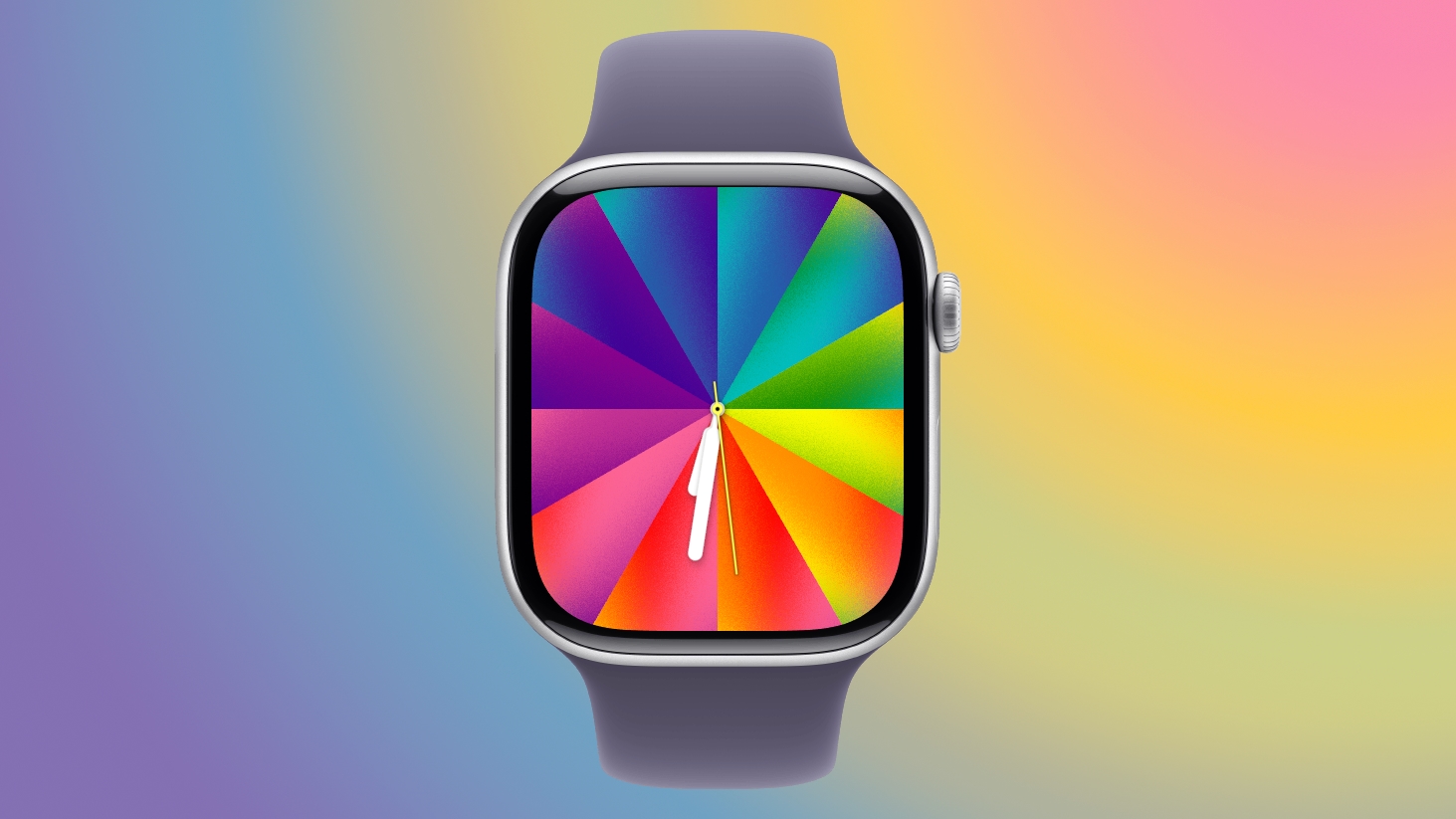
The Pride Luminance face is Apple's latest watch face design, part of the watchOS 26.5 update. It celebrates the Pride movement while offering extensive personalization capabilities. Unlike many of Apple's earlier faces, this one allows you to choose from 1 to 12 colors from a broad palette that includes every color of the rainbow, plus in-between shades and neutrals like black, white, brown, and gray. The colors are then arranged in a smooth gradient across the face, making it one of the most flexible options for expressing your style.
2. How many colors can you select and from which palette?
You can pick between one and twelve colors for your watch face. The palette is extensive, covering the full spectrum of the rainbow (red, orange, yellow, green, blue, indigo, violet) as well as intermediate hues. Additionally, you have access to black, white, brown, and gray tones. This range allows you to create anything from a subtle monochrome look to a vibrant rainbow display. The chosen colors are distributed across the face in a gradient, which you can further customize.
3. What are the two gradient styles for arranging the colors?
The Pride Luminance face offers two distinct gradient styles: radial and linear. With the radial style, colors fan out from the center like a starburst, creating a dynamic, sunburst effect. The linear style arranges the colors in a series of parallel, rectangular lines that run from one side of the face to the other. Both styles maintain the gradient look, but they give your watch a very different visual feel. You can switch between them easily in the customization menu to match your mood or outfit.
4. How does the dial size affect complications?
The watch face offers two dial shapes: Rectangle and Circle. Choosing the Rectangle option makes the color gradient stretch edge-to-edge, covering the entire face for a bold, immersive look. However, this reduces the space available for complications. The Circle option shrinks the dial to a smaller round area, leaving room around the edges for up to four complications. This trade-off lets you prioritize either the full-color display or quick access to apps and data.
5. What animation does the face have when the wrist is raised or lowered?
The Pride Luminance face is animated to enhance the user experience. When you lower your wrist, the vibrant colors collapse into slim, subtle lines set against a black background—conserving battery and minimizing distraction. As soon as you raise your wrist, the full palette expands back into view, creating a smooth, delightful transition. Additionally, the colors shift slowly over time, giving the face a living, breathing quality that feels modern and engaging.
6. What are the pre-selected color options and how can you personalize them?
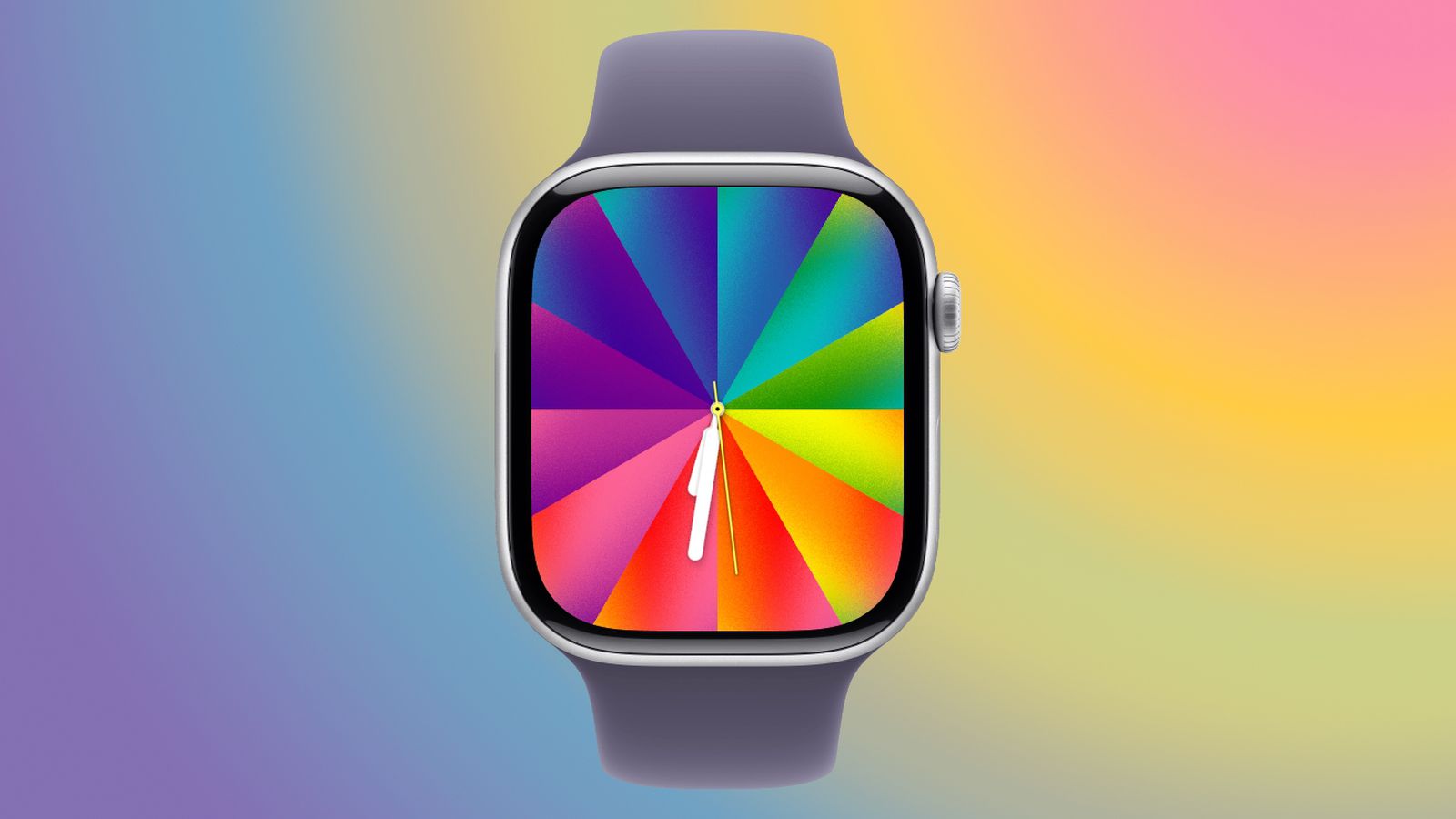
Apple includes several pre-configured color options that represent different Pride flag designs. For instance, you might find combinations inspired by the traditional rainbow flag or more inclusive iterations. However, the real magic lies in the deep customization. You can override the pre-sets by selecting your own palette of up to twelve colors. This means you can match the face to your clothing, show support for your favorite sports team, or simply display your go-to hues. The possibilities are nearly endless.
7. Is there a matching wallpaper for iOS 26.5? How does it work?
Yes, iOS 26.5 includes a matching Pride Luminance wallpaper for your iPhone. It offers the same level of customization as the watch face: you can choose up to twelve colors for both the Lock Screen and Home Screen. On the Lock Screen, when your iPhone is locked, the colors collapse onto a black background—mirroring the animation on the Apple Watch. When you wake the device, the full gradient reappears. This creates a cohesive visual theme across your Apple devices.
8. What do you need to get the new watch face?
To install and use the Pride Luminance face, you need both iOS 26.5 and watchOS 26.5. Apple has released Release Candidate (RC) versions of these updates, and the public releases are expected as soon as next week. Once you update your iPhone and Apple Watch, the new face will appear in the watch face gallery. Make sure to check for the latest updates in your device settings if you haven't received them yet.