10 Key Takeaways from Python and APIs: Mastering Public Data Access
Python's simplicity combined with the power of APIs (Application Programming Interfaces) makes accessing public data a breeze. Whether you're building a weather app, scraping social media trends, or integrating third‑party services, understanding the core concepts behind API interactions is essential. This listicle breaks down ten fundamental ideas from the classic quiz on Python & APIs: A Winning Combo for Reading Public Data. Each point explores a crucial piece of the puzzle, from the basics of requests and responses to advanced topics like authentication and pagination. By the end, you'll have a solid foundation to start consuming APIs effectively and perhaps even building your own.
1. What Is an API and Why Should You Care?
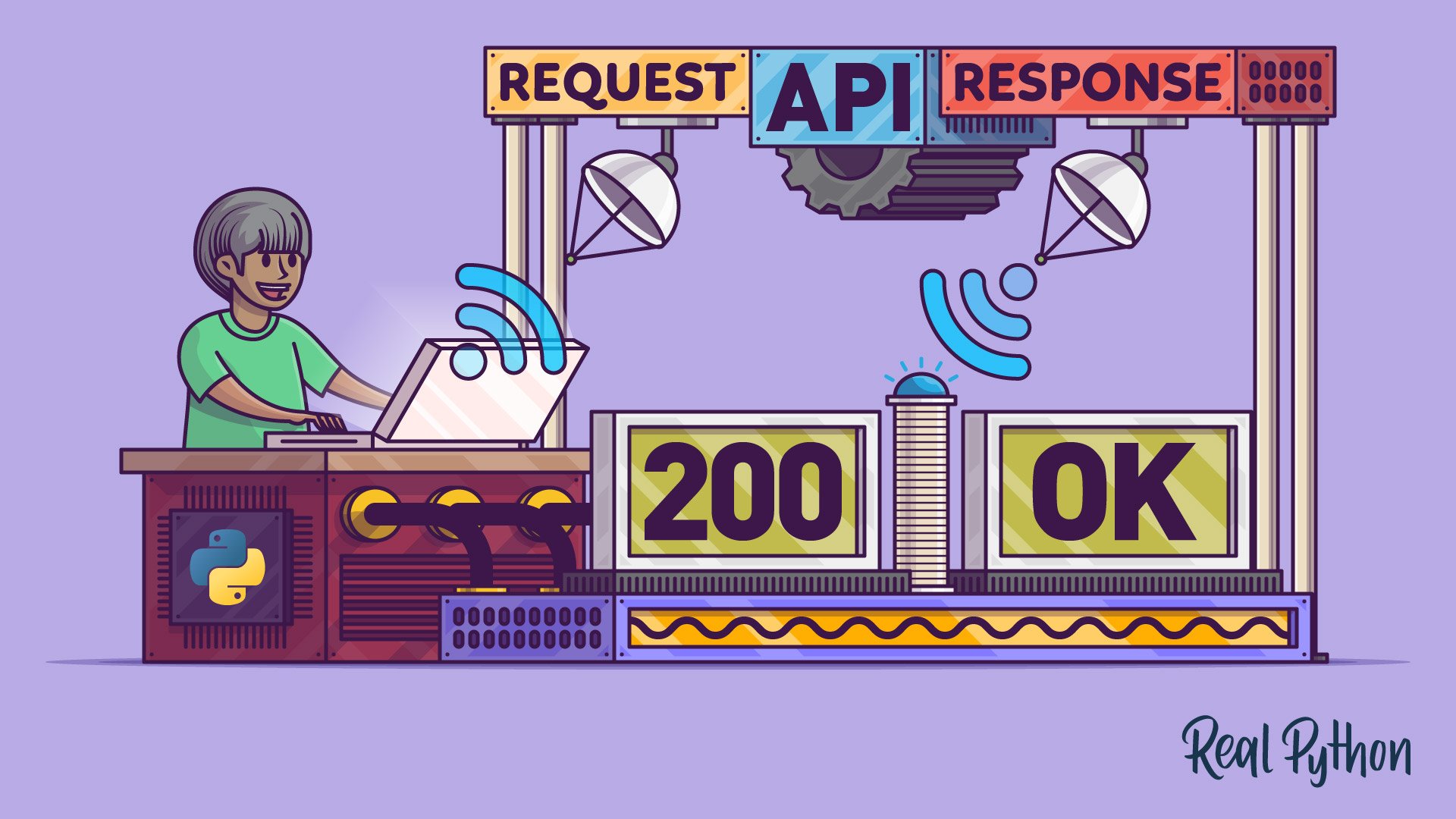
An API acts as a messenger between two software applications. In the context of public data, it lets you request information from a remote server without needing direct database access. Python shines here because its requests library makes sending HTTP requests incredibly straightforward. When you call requests.get(), you're essentially asking the server for data. That data usually comes back in a format like JSON or XML, which Python can parse easily. Understanding this request‑response cycle is the first step to unlocking countless datasets—from government statistics to current stock prices.
2. The Requests Library: Your Gateway to the Web
The requests library is Python's most popular tool for making HTTP calls. It abstracts away complex details like constructing URLs and handling different HTTP methods (GET, POST, PUT, DELETE). With just import requests, you can start fetching data. The library automatically parses responses, handles cookies, and manages redirects. For beginners, this simplicity is a game‑changer. You don’t need to worry about low‑level socket programming; you just call requests.get(url) and inspect the response object. This object contains everything you need: the status code, response headers, and the body content. Learn more about status codes.
3. Decoding HTTP Status Codes
Every API response comes with a numeric status code that tells you whether your request succeeded or failed. 200 means everything is OK, while 404 means the resource wasn’t found. 401 or 403 indicates authentication problems—common when dealing with private data. 429 signals you’ve been rate‑limited. Recognizing these codes helps you debug effectively. For instance, if you get a 500 error, the problem is on the server side, not your code. Python’s requests library makes checking status codes trivial: response.status_code. Always validate the status before processing data to avoid crashes. Rate limits and error handling go hand in hand.
4. Response Headers: Hidden Clues
Headers accompany every API response and contain metadata such as content type, server info, and rate‑limit details. For example, Content-Type: application/json tells you the data format. Headers also reveal authentication requirements (like Authorization tokens) and caching policies. In Python, you access headers via response.headers, a dictionary‑like object. Pay special attention to X‑RateLimit-Remaining or Retry-After headers—they help you stay within usage limits. Ignoring headers can lead to accidental data misuse or temporary blocks. Effective rate‑limit handling relies on reading these clues.
5. Authentication: Proving Who You Are
Many public APIs require some form of authentication to track usage or protect data. Common methods include API keys (passed as a header or query parameter) and OAuth tokens. Python’s requests library supports authentication directly via the auth parameter or by manually setting headers. For example: headers = {'Authorization': 'Bearer YOUR_TOKEN'}. Skipping authentication often results in 401 or 403 errors. Always store sensitive keys securely—use environment variables rather than hard‑coding them. Understanding authentication ensures you can access premium datasets without security mishaps. Pagination often requires the same authentication context.
6. Pagination: Handling Large Datasets
APIs rarely return all results at once; they split data into pages to reduce load. Pagination appears as ?page=1, ?offset=10, or a next link in the response. Python’s requests library helps you loop over pages by examining the response for a next page indicator. A common pattern is: while a next page exists, fetch it and combine the results. Without pagination handling, you’ll only get a fraction of the available data. Be mindful of rate limits when making many sequential requests. Throttle your pagination loops to avoid bans.

7. Rate Limits: Playing by the Rules
APIs enforce rate limits to prevent abuse. A limit might be 100 requests per minute. Exceeding it triggers a 429 Too Many Requests status. Python allows you to implement polite consumption by checking the Retry‑After header or sleeping between requests. Use time.sleep() or libraries like ratelimit to stay under the cap. Ignoring limits can get your IP temporarily blocked. Always respect the API’s terms—many providers revoke access for violators. Status codes help you detect limits early.
8. Error Handling: Building Robust Code
Network issues, invalid data, or server errors will happen. Python’s try‑except blocks let you catch exceptions like requests.exceptions.RequestException. Always validate the response status before processing. For example, response.raise_for_status() automatically raises an error for 4xx/5xx codes. Good error handling also includes logging and retry logic with exponential backoff. This resilience is key for production applications that consume third‑party APIs. Rate‑limit handling is a subset of a broader error‑handling strategy.
9. Python Tricks: Level Up Your API Game
The original quiz teased a resource: “Improve Your Python With 🐍 Python Tricks 💌.” Subscribing to a Python tips newsletter can help you write cleaner, more efficient code. Small tricks—like using dict.get() to avoid KeyErrors or implementing context managers for sessions—are invaluable when working with APIs. One powerful trick is the Session object from the requests library, which persists cookies and connection pools across multiple requests. Mastering these nuances turns a beginner into a proficient API consumer. Always keep learning; the Python ecosystem evolves quickly.
10. Putting It All Together: A Sample Workflow
Imagine you want to fetch paginated public data that requires authentication. You’d start by importing requests and setting up your headers. Then make a GET request, check the status code, parse JSON, and extract any pagination links. While a next page exists, repeat and accumulate results. Throughout, respect rate limits by reading response headers and throttling if necessary. Wrap everything in try‑except blocks and log errors. This workflow combines all earlier concepts into a reliable script. With practice, you can adapt it to any public API. The original quiz tested exactly these skills.
Mastering Python and APIs opens the door to a world of public data. From weather forecasts to financial indicators, the possibilities are endless. Start with simple requests, gradually add complexity, and always keep the core concepts—status codes, headers, authentication, pagination, rate limits, and error handling—in mind. With the requests library as your trusty tool, you’ll be unstoppable. Ready to test your knowledge? Revisit the original quiz or explore new APIs today!